In the June 2020 edition of Reveal updates we talk fuel card integration, working hours and custom recurring jobs, self install and geofence alerts for non-powered assets. We've also made contacting your customer success manager even easier. Read on to find out more.
Recently released
Customer Success Manager contact details
We have added your customer success manager's contact details to the top of the "Contact Us" form in Reveal. To get to this page in Reveal, click on "Help" and then "Contact Us" in the top right corner.

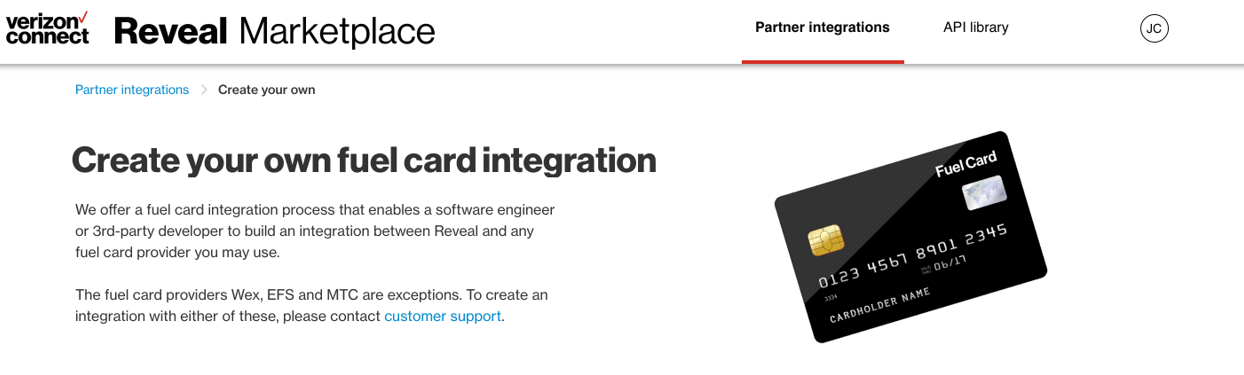
Create your own fuel integration
Connecting your fuel cards links your fuel transactions and GPS information to help you manage fuel consumption. Create your own fuel integration is now available in the Reveal Marketplace, under Fuel Card Management. This enables a software engineer or 3rd-party developer to build an integration between Reveal and any fuel card provider.
Working hours and custom recurring jobs
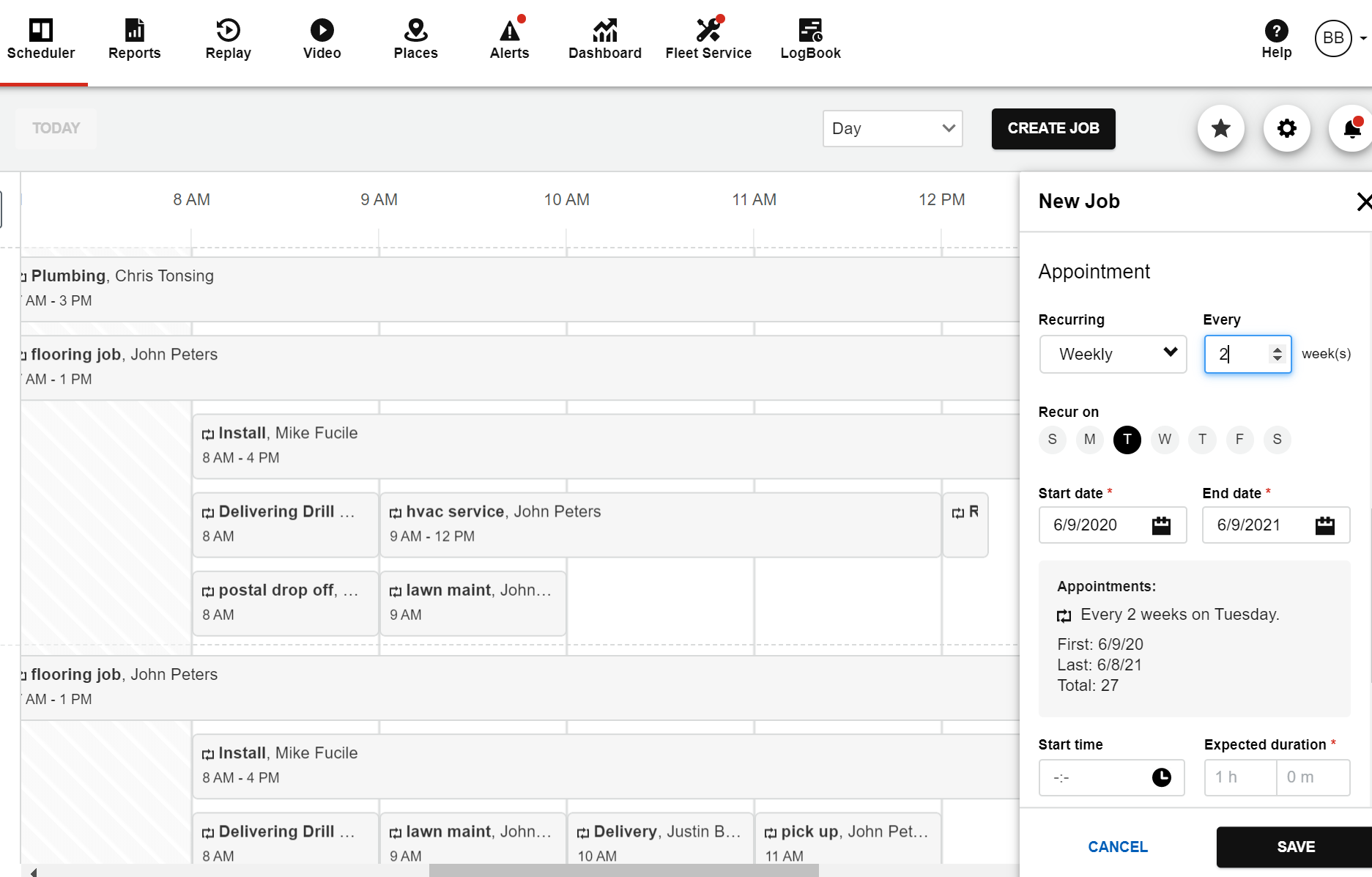
We have added two new features to Reveal Field:
- Working hours: Set the default working hours to ensure that appointments are set up when the company is open for business.
- Custom recurring jobs: Set a custom frequency like "Every 2 weeks" for recurring appointments to help reduce manual scheduling.
Making self-install even easier
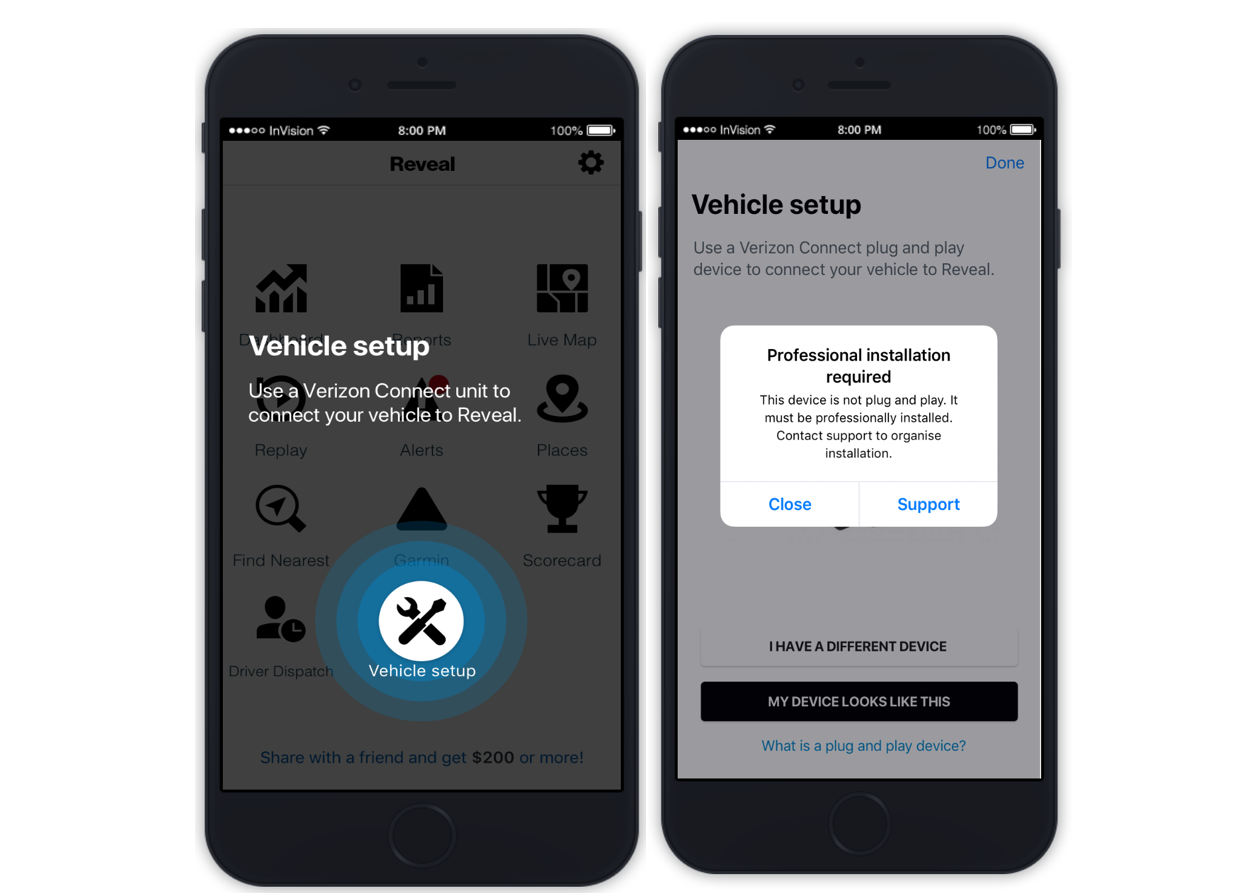
You can now use the Reveal Manager app's vehicle setup self-install flow to install a new plug and play tracking unit. We also have improved:
- Vehicle setup: A new tab will appear for all Manager app users.
- New error message: Ineligible users without a plug and play unit will be notified to contact us to schedule a professional installation.
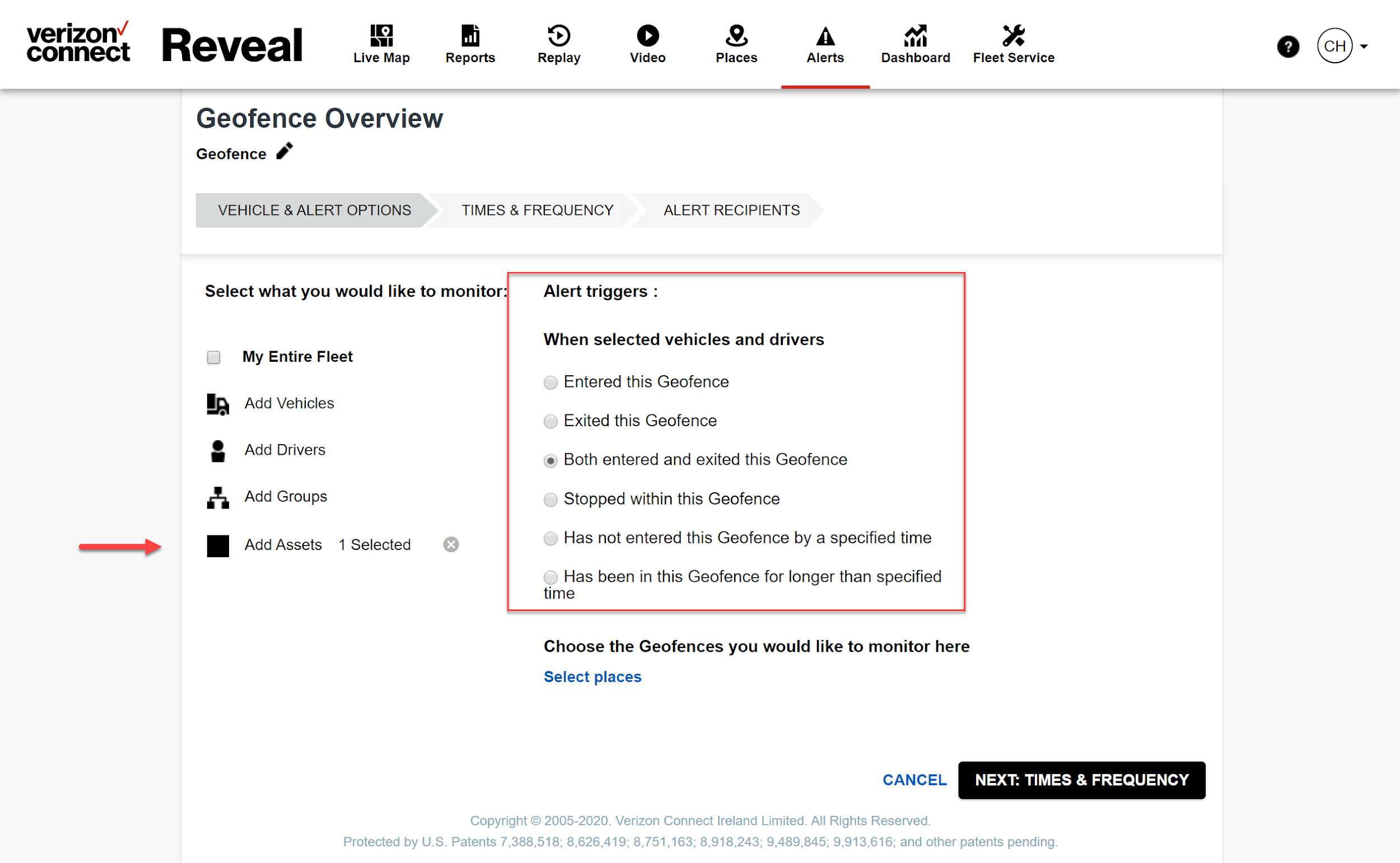
Geofence alerts for non-powered assets
Are you looking for help identifying unauthorised use of non-powered assets like trailers? You are now able to set up geofence alerts for one or more non-powered assets in Reveal. You can also select what event triggers this alert and when and how you are alerted.